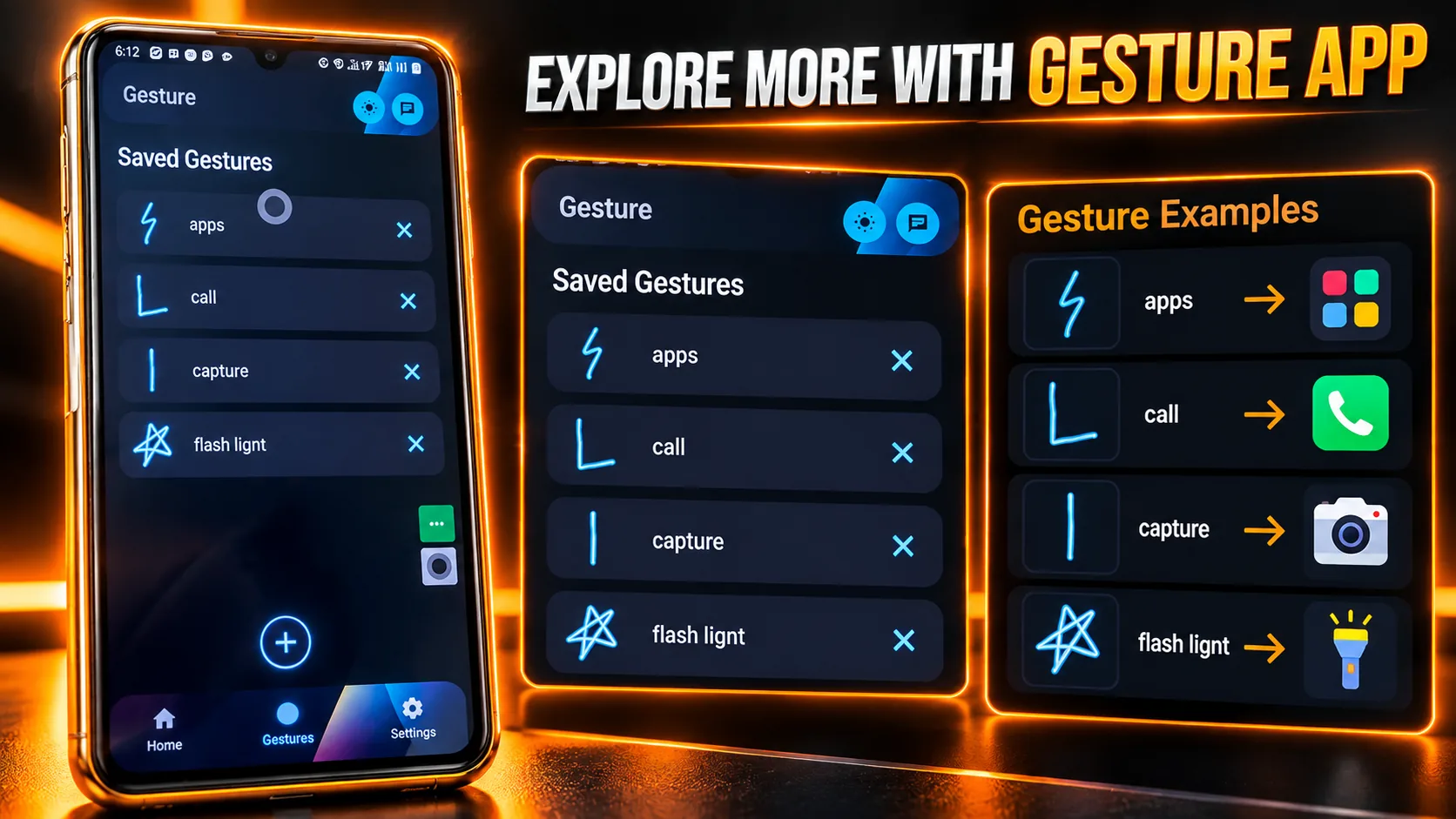
What is a gesture app?
Gesture app review Smartphone controls are available in several ways. One of these ways is through gesture control. The Gesture app makes certain tasks easier by allowing users to perform actions with screen gestures or specific movements on their smartphone.
Gesture apps intend to enhance user experience for smartphones; however, depending on which application you choose to install, features will vary.
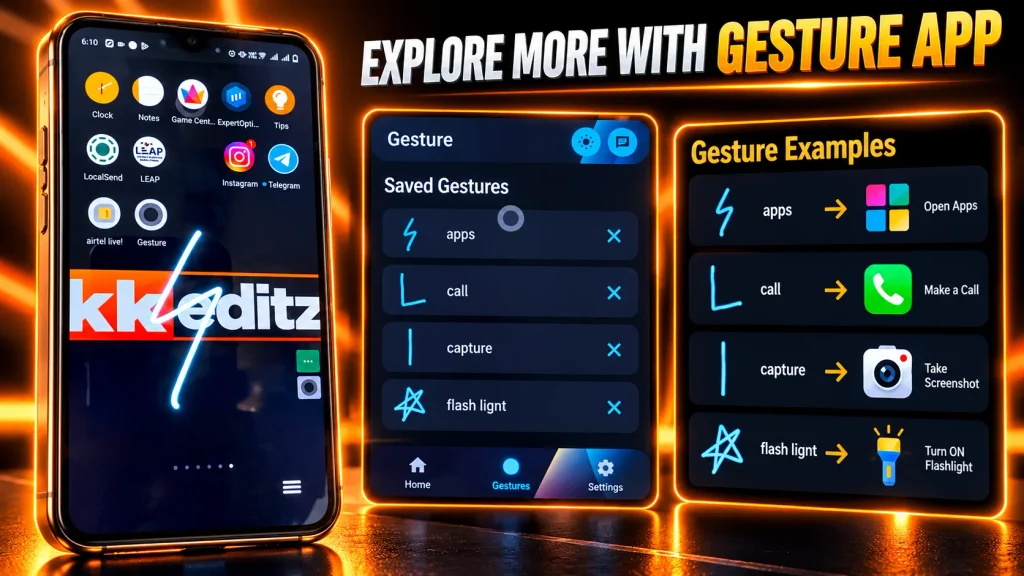
Key Features of the Gesture App:
- Easy gesture controls
Gesture-based controls offer smooth navigation. Gesture apps may require swiping, tapping, or other specific gestures to complete specific tasks.
For example, users may be able to return to the previous screen or access specific functions on your smartphone using a supported gesture. However, this option is not provided in all gesture apps.
- Customization options
When choosing a gesture application, some allow users to customize controls based on their preferences and assign different actions to specific gestures.
This can make everyday use of a smartphone more convenient. For instance, users can configure shortcuts that they support to access frequently used functions quicker.
However, the available customization options will vary between applications and smartphone operating systems.
- Improved smartphone navigation
Gesture controls reduce the need for physical/on-screen button pressing. For example, users can navigate between screens with ease using supported swipe gestures.
In addition, some applications also provide shortcuts for commonly used functions.
That being said, if your smartphone already has built-in gesture navigation, then you might not need another app.
: Getting Started with Gesture Apps
Generally, beginning with a new gesture app will take little time. Follow this process to become familiar with what the Gesture App offers.
- Find the Google Play Store or your device’s native app store.
- Search for the Gesture App you wish to utilize.
- Evaluate the developer’s description as well as user reviews and ratings.
- Install the application if it suits your needs.
- Open up the application and begin testing out different gesture options.
- Configure your gestures based on your preferences.
- Test all of the available gestures to ensure they function properly.
- Certain applications (for example, some apps with accessibility features) will request permission to access “Accessibility” so they can use particular functions. As such, evaluate each “Permission Requested” before allowing the application to access them.
Advantages of Using Gesture Apps:
Using gesture-based applications can provide many benefits in terms of faster and/or more convenient methods to navigate your smartphone. Users may be able to accomplish actions using gestures instead of going through several menus.
Customization of gesture apps also provides users a method to customize their smartphone usage and create a more personalized experience. For instance, individuals who have used certain features repeatedly may find customization helpful.
An additional benefit of utilizing large-screen smartphones is that, depending upon the available features, gestures may allow users to execute various tasks with only one hand.
The advantages of gesture apps are dependent upon the functionality offered within an individual application, how compatible that application is with other devices and programs installed on a given smartphone, as well as the configuration of that application.
To ensure the best possible experience with your Gesture App, first research the application’s potential security and privacy concerns prior to downloading.
When choosing which gesture app(s) to install, follow these guidelines.
First: Only obtain apps from reputable sources. Installing APK files from unverified sites pose significant security threats.
Next: Assess the level of permissions required by the application. Many gesture tools require accessibility access in order to operate. Ensure that you only agree to grant those permissions that are necessary for the features that you desire to utilize.
Also: Review the presence of advertisements, in-app purchases, and premium subscriptions.
Lastly: Monitor battery life and system performance after installing a gesture app. If the application creates unforeseen issues or negatively impacts your phones native navigation system, assess the setting of the app or remove it. or remove it.